When your team wants AI help with internal documentation, answer quality is only part of the decision. You also need to know the assistant can stay inside the right access boundaries, use the right workspace context, and avoid making uncontrolled changes. TOW builds The Only Workspace for exactly that problem: a unified workspace for projects, docs, company memory and reviewable AI that you can run in the cloud or on your own infrastructure.
TOW’s permission-aware AI assistant for internal docs helps teams search, draft, and act on knowledge without flattening permissions across the company. If your organization needs integrated docs, projects, and AI with strong admin controls and clear data-governance requirements, TOW gives you one place to work instead of stitching together separate tools for documentation, project tracking, and AI assistants.
TOW permission-aware AI assistant software for internal docs
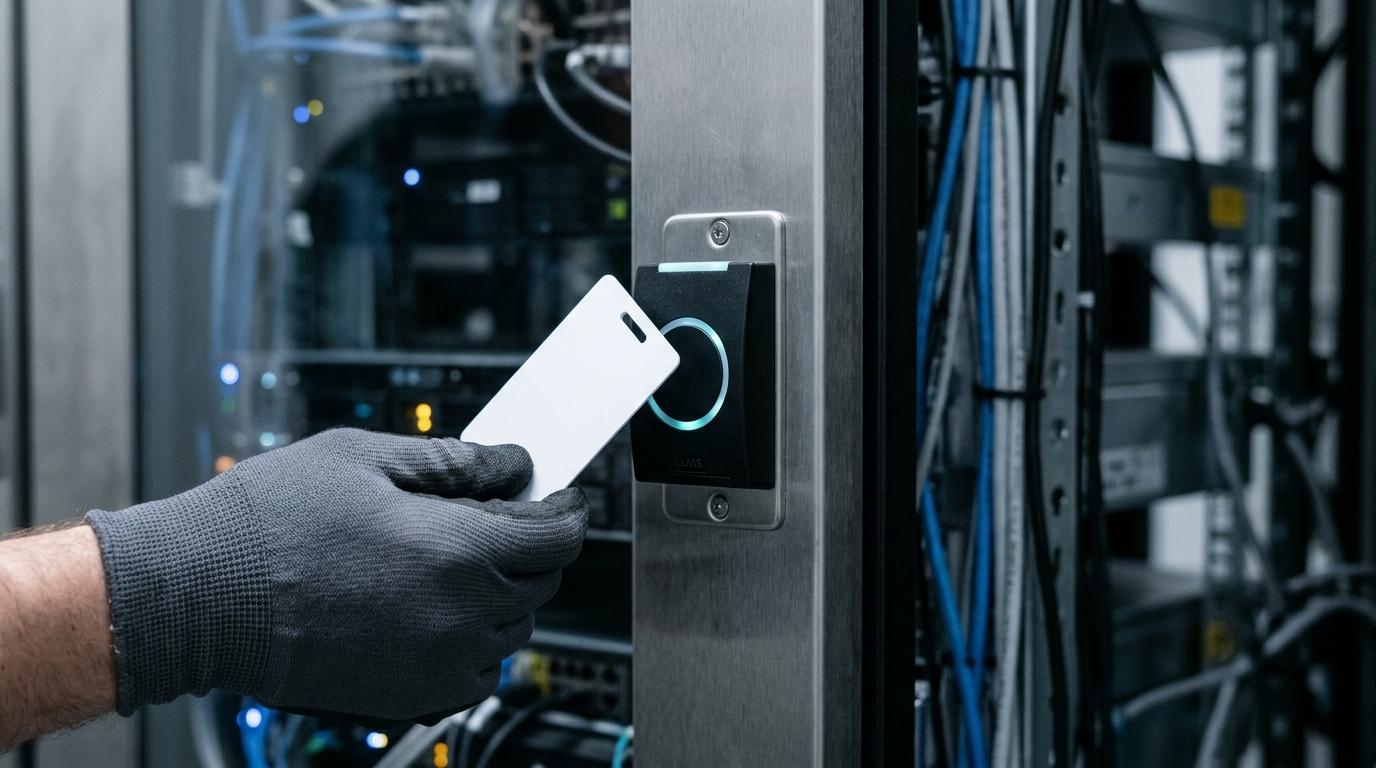
TOW combines permission-aware retrieval with reviewable AI proposals across projects, docs, and memory. That means your team can ask questions, summarize internal material, and generate draft outputs using workspace context that respects project-level and document-level access boundaries, instead of exposing everything to a generic assistant.
“TOW combines permission-aware retrieval and reviewable proposals across projects, docs, and memory.”
Because TOW includes project management, docs, search, collaboration, and workspace memory in the same product, your assistant is grounded in the work your team already maintains. You are not limited to a disconnected wiki chatbot. You can connect answers to issues, boards, goals, roadmaps, and documents that already shape day-to-day decisions.
“TOW keeps AI inside the same workspace boundary your team already uses, with scoped context and visible proposals.”
TOW also gives you deployment and model-control options that matter when internal knowledge is sensitive. You can run the workspace self-hosted or in the cloud, and choose BYOK or TOW-managed AI endpoints based on your security, procurement, and data-governance requirements.
“TOW offers self-hosted or cloud deployment, plus BYOK or TOW-managed AI endpoints.”
Permission-aware retrieval and reviewable AI for safer internal-doc workflows
A useful internal-docs assistant should not retrieve content a user would not normally be allowed to see. That is not just a preference. Security guidance from OWASP on retrieval-augmented generation highlights that document corpora often include role-based, department, and classification-based access controls, and that failed access checks are security events. TOW addresses that reality by making AI follow the same boundary as workspace access, with scoped context and visible proposals.
TOW’s AI flow is designed around ground, assist, then review flow. In practice, that means the assistant can generate grounded answers with inspectable sources, and consequential proposals route through a review flow unless an administrator explicitly enables a narrow direct-write path. If your concern is not just “Can AI write this?” but “Who approved it, what source did it use, and what was it allowed to touch?” that structure matters.
NIST’s generative AI risk guidance also notes that indirect prompt injection can be used to steal proprietary data or trigger unsafe actions. TOW reduces that risk exposure by pairing permission-aware retrieval with reviewable outputs, rather than treating every generated action as safe to execute automatically.
TOW helps teams use internal-doc AI across projects, docs, and company memory
TOW is a strong fit when your documentation is tied to active work, not stored in isolation. Product, engineering, operations, and cross-functional teams often need answers that span a policy page, an open issue, a roadmap item, and prior team decisions. TOW brings those sources together inside one workspace so AI can help from current context instead of stale copies.
That changes what your team can actually do with an assistant. TOW supports use cases such as:
- Answering internal questions with scoped sources: Let team members ask for process details, technical context, or prior decisions using only the material they are allowed to access.
- Drafting reviewable updates: Generate proposed edits to docs, project items, or related workspace content, then route those proposals through human review.
- Using workspace memory instead of isolated chat history: Keep durable organizational context available across docs and projects so repeated questions do not require repeated manual explanation.
- Reducing tool switching: Work across issues, boards, goals, roadmaps, docs, search, collaboration, and notifications in one workspace instead of passing context between separate systems.
TOW helps you move from “AI can answer from a document set” to “AI can support real internal workflows without breaking ownership or approval boundaries.”
Internal-doc AI with self-hosted control, admin boundaries, and migration support
Some teams want AI help but cannot accept a black-box setup around data location, model access, or administrative control. TOW addresses that directly with self-hosted and cloud options, strong admin controls, and clear data ownership choices. If your internal docs include operational procedures, product plans, engineering knowledge, or restricted departmental content, those choices affect whether AI is practical for your environment.
TOW also supports migrations from Jira, Confluence, and Notion. That matters if your current knowledge is fragmented across project trackers and wiki tools, and you want one workspace where docs, execution, and AI support each other instead of competing for the same information.
For smaller organizations, TOW offers a free self-hosted tier. For larger teams, the platform is built to serve startups through enterprises that need unified projects, docs, memory, and AI with stronger control over infrastructure and permissions.
Why TOW is different from a generic internal-docs chatbot
Many AI assistants for internal docs stop at retrieval and chat. TOW goes further by combining the workspace itself with the assistant. Your docs, project artifacts, collaboration, and review paths live in one system, which makes AI outputs easier to verify and easier to govern.
That difference shows up in a few practical ways:
- The workspace is the source of truth: TOW unifies projects, docs, memory, and AI so the assistant works from live operational context.
- Permissions apply to retrieval: TOW supports explicit member permissions at the project level and can restrict documents to named members and teams.
- High-impact actions can be reviewed: TOW routes consequential proposals through review unless an admin intentionally enables a narrow direct-write path.
- You keep deployment flexibility: Choose self-hosted or cloud, and use BYOK or TOW-managed AI endpoints based on your policies.
If your team has already learned that a polished chat interface is not the same thing as secure internal AI, TOW is built around that distinction.
When TOW is the right fit for permission-aware AI assistant software
TOW is likely a strong fit if your team recognizes any of these conditions:
- You need AI for internal docs, but not all employees should see the same content.
- Your documentation is tightly connected to projects, roadmaps, issues, and team decisions.
- You want AI proposals that people can review before they become changes.
- You need self-hosting, clearer data ownership, or the option to choose your own model endpoints.
- You are trying to reduce sprawl across Jira, Confluence, Notion, and separate AI tools.
TOW may be especially relevant when legal, security, engineering, operations, or executive teams need stronger confidence in scope validation and approval state before AI-generated work is accepted.
Talk with TOW about a permission-aware internal-docs assistant
If you are evaluating permission-aware AI assistant software for internal docs, TOW gives you a practical path: one workspace for projects, documentation, memory, and AI, with retrieval scoped to user access and consequential outputs routed through review.
The result is not just better answers. It is a more workable way to use AI on internal knowledge without giving up control of permissions, infrastructure, or human approval.
Explore TOW if you want internal-doc AI that respects scope before it acts, and choose the deployment model that fits your team.